
Travel eSIM and mobile data guide
EntryNest Editorial Team · Last reviewed
An eSIM is a SIM card built into your phone that you activate by downloading a profile instead of inserting plastic. For travel it means you can land with working data already set up, without hunting for a shop or paying roaming rates. Here is how it works and what to check before you buy one.
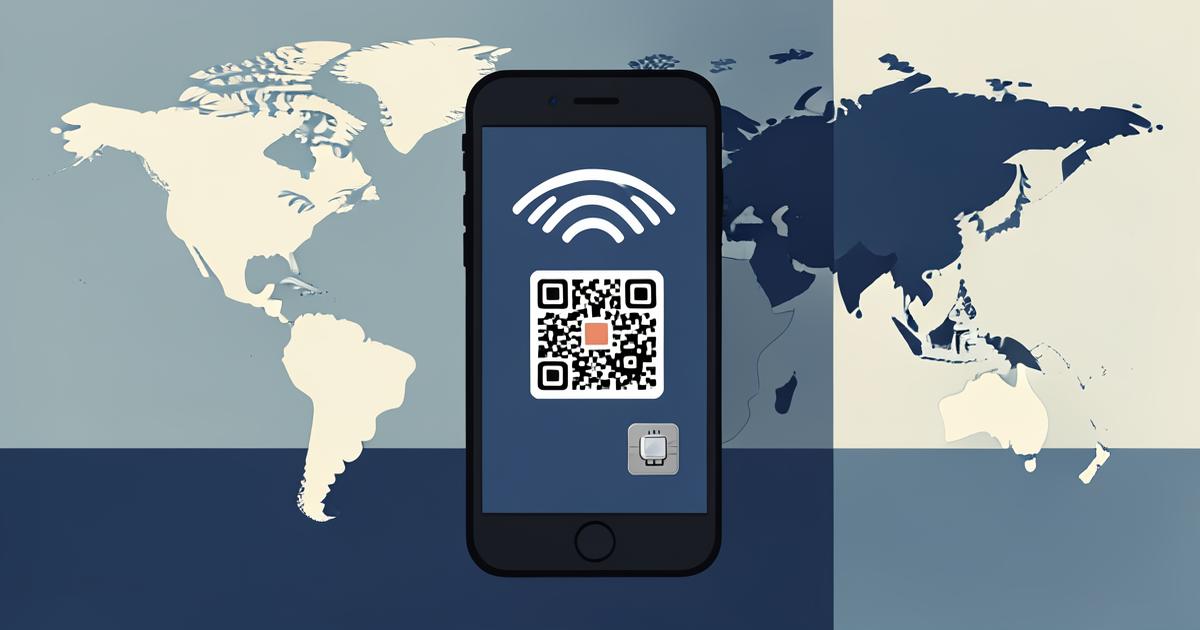
What an eSIM actually is
Your phone contains a small reprogrammable chip that can hold several operator profiles at once. Buying a travel eSIM means buying a data plan and receiving a QR code or activation link; scanning it writes the profile onto that chip.
Your normal SIM stays active, so you keep your usual number for calls and messages while data runs over the travel plan. Most travel eSIMs are data-only, which is fine when you use messaging apps for calls.
Roaming compared with a travel eSIM
Roaming is simpler — nothing to install — but pricing varies enormously by operator and destination, and daily-rate bundles add up on longer trips. Some home plans include generous regional roaming, in which case there is nothing to solve.
A travel eSIM is usually cheaper outside your home region and gives you a fixed amount of data at a known price. The trade-off is a few minutes of setup and, on data-only plans, no local phone number.
- Check what your existing plan already includes for your destination
- Compare the total cost of the trip, not the per-day headline
- Data-only plans keep your normal number for SMS and calls
- Tethering and hotspot support varies by provider — check before buying
Will your phone work?
Most phones released in recent years support eSIM: iPhone XS and later, recent Google Pixel models, and current Samsung Galaxy S and Z devices among many others. The phone must also be carrier-unlocked, which is the part people miss.
The quickest check is in your phone's settings: look for an option to add a mobile or cellular plan, or dial the eSIM support check your manufacturer documents. Confirm compatibility before you buy, because activated profiles are often non-refundable.
Installing and activating without stress
Install the profile while you are still on reliable Wi-Fi at home. Installation needs an internet connection; activation usually happens when you arrive and the plan attaches to a local network.
Label the profile clearly, set the travel eSIM as your data line and your usual SIM as the line for calls and messages, and turn off data roaming on your home line so nothing leaks onto the expensive plan.
- Install on Wi-Fi before departure; do not wait until the airport abroad
- Set the travel plan as the default mobile data line
- Disable data roaming on your home SIM
- Save the QR code and activation email in case you reinstall
Choosing a plan and checking coverage
Plans are sold by country, by region or as global bundles, with a data allowance and a validity window. Estimate realistically: maps, ride-hailing and messaging use little, while video calls and streaming use a great deal.
Coverage depends on which local networks the provider partners with, so check the named networks for your destination rather than assuming full coverage. Also check whether the plan can be topped up mid-trip and what happens when the allowance runs out.
A note on entry requirements
Mobile data is a convenience, not an entry requirement. No country asks for an eSIM to let you in. Insurance, valid documents and appointment confirmations are the things that actually matter at a border — the connectivity is just what makes the trip easier.
Travel eSIM FAQ
- Do I keep my phone number with a travel eSIM?
- Yes. Your physical SIM or primary profile stays active for calls and SMS while the travel eSIM handles data, as long as you leave the home line enabled and roaming for data switched off.
- Can I install the eSIM before I travel?
- Yes, and you should. Install it on Wi-Fi at home. Most plans only start counting when you connect to a network at your destination.
- Which phones support eSIM?
- iPhone XS and later, recent Google Pixel models, current Samsung Galaxy flagships and many other recent devices. The phone must be carrier-unlocked. Check your settings for an add-plan option before buying.
- Is an eSIM cheaper than roaming?
- Usually, outside your home region — but not always. If your home plan already includes roaming where you are going, use it. Compare the full trip cost rather than a daily rate.
- What happens when the data runs out?
- Data simply stops; you are not billed for overage. Most providers let you top up in their app, provided you have some connectivity or Wi-Fi.
- Can I use the eSIM as a hotspot?
- Often yes, but not always — tethering is a per-provider setting. If you plan to share the connection with a laptop or a travelling companion, confirm it is supported before you buy.
Related pages
Editorial & accuracy
EntryNest guides are written and reviewed by the EntryNest editorial team. We focus on accuracy and practical usefulness, and we revisit time-sensitive information to keep it up to date. Rules set by governments, airlines, insurers and other organisations can change without notice. Always confirm current requirements with the relevant official source before you act.
Travel & preparation
Helpful services for getting ready for your next trip.
 Saily
SailyStay connected while traveling
Get a travel eSIM Heymondo
Travel insurance for your next trip
Get travel insuranceSome links are affiliate links. We may earn a commission at no additional cost to you.
Sort the paperwork before the packing
EntryNest reminds you about passports, visas, insurance and appointments long before departure, so the trip prep is the only thing left.