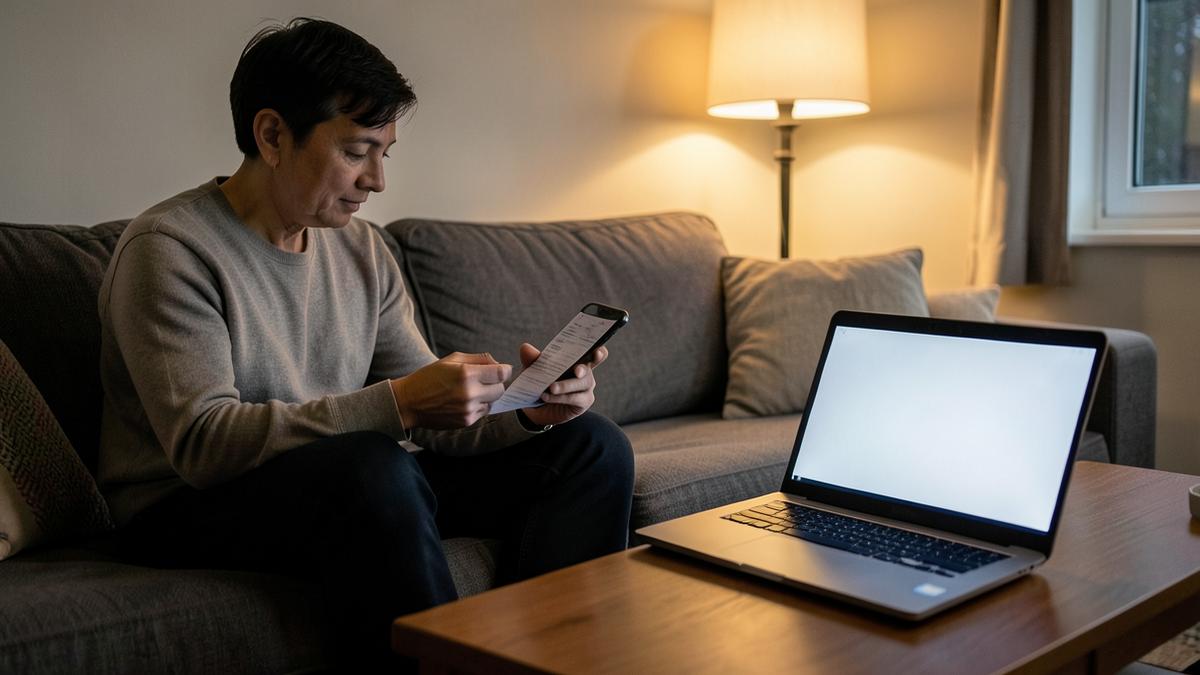
The free-trial trap
Trials convert silently. The charge appears on a statement weeks later, often under a merchant name that bears no resemblance to the service, and by then a refund is a favour rather than a right.
The moment you start a trial, add it with the end date and a one-day reminder. If you're still using it when the email arrives, do nothing. If not, you have a day to cancel.
Annual subscriptions are the expensive ones
Monthly charges get noticed. Annual ones renew once, quietly, twelve months after you last thought about the service — and they're usually the larger amounts: software licences, cloud storage, memberships, domain names, insurance add-ons.
A seven-day reminder gives you time to downgrade, negotiate, or move to a competitor's introductory offer before the payment clears.
Do a yearly sweep
Once your subscriptions are listed in one place, the total becomes obvious for the first time. Most households find at least one service nobody has opened in months, and often a duplicate — two streaming plans, two storage plans, two password managers.
Cancelling those is the fastest, least painful saving available in personal finance, and it takes about twenty minutes once you can actually see the list.
Cancel properly
Keep the cancellation confirmation. Store it against the item before you delete it, because disputed charges after cancellation are common and the confirmation email settles them instantly.
Note in the item where the subscription is billed from — directly, through an app store, or via a reseller — since that determines where you have to go to cancel it.
A worked example: a 14-day trial started on 1 April
Trials are the clearest case for a one-day reminder, because the decision takes thirty seconds if you're prompted and costs a year's fee if you aren't.
- 1 April, sign-up dayAdd the item with the trial end date and note where it is billed from — directly, through an app store, or via a reseller. That determines where you have to go to cancel.
- 14 April (1 day out)Reminder email. Still using it? Do nothing and it converts. Not using it? You have a full day to cancel, which is far easier than requesting a refund later.
- If you keep itChange the item to the paid renewal date and set a 7-day reminder so the second year is a decision rather than a default.
- If you cancelStore the cancellation confirmation against the item before deleting it. Disputed post-cancellation charges are common and the confirmation settles them instantly.
Frequently asked questions
- When do reminders arrive?
- By default 7 days and 1 day before the renewal date, which is enough time to cancel almost anywhere.
- Does EntryNest connect to my bank?
- No. You add subscriptions manually, so we never need access to your bank account or card details.
- Is it free?
- Yes — five tracked items and three stored documents, free forever, no card required.
- What if I have dozens of subscriptions?
- Premium removes all limits on items, documents and reminders from $4.99 a month, and adds a weekly summary email.
Keep reading
Let EntryNest remember it for you
Add the date once, choose when you want to hear about it, and get on with your life. Free for five items, no card needed — see what Premium adds.
Create a free account